
Last year, I had to track out a terrible bug on a side project that involved a 400-line React component with nested state and no clear error message. At first, I spent hours extensively troubleshooting each line. Then a coder friend said, “Dude, you’re still coding in the Stone Age.”
That’s when I really started looking at Best AI Tools for Coding.
And let me be clear: these tools are not just “fancy auto-complete.” They truly transform your workflow. However, with so many options on the market, it is easy to feel overwhelmed. According to DevGenius, developer interest in AI coding tools increased by 190% between 2023 and 2024, indicating that something serious is happening in this space.
In this article, I’ll be honest with you about the best AI tools for coding, how they operate, and, most importantly, which one you should use.
What are the AI Coding Tools?
In simple terms, AI coding tools are software assistants that help you write, debug, and optimize code using natural language prompts or intelligent completion.
First-generation tools provided simply line-by-line suggestions. By 2026, these tools have evolved into self-sufficient agents capable of understanding whole repositories, making multi-file modifications, running tests, and iterating with minimum human intervention. Essentially, you get an intelligent coding partner who never gets weary.
Best AI Tools for Coding
I have personally tried them. Here, I’ll explain the key players:
GitHub Copilot: The Reliable Standard.
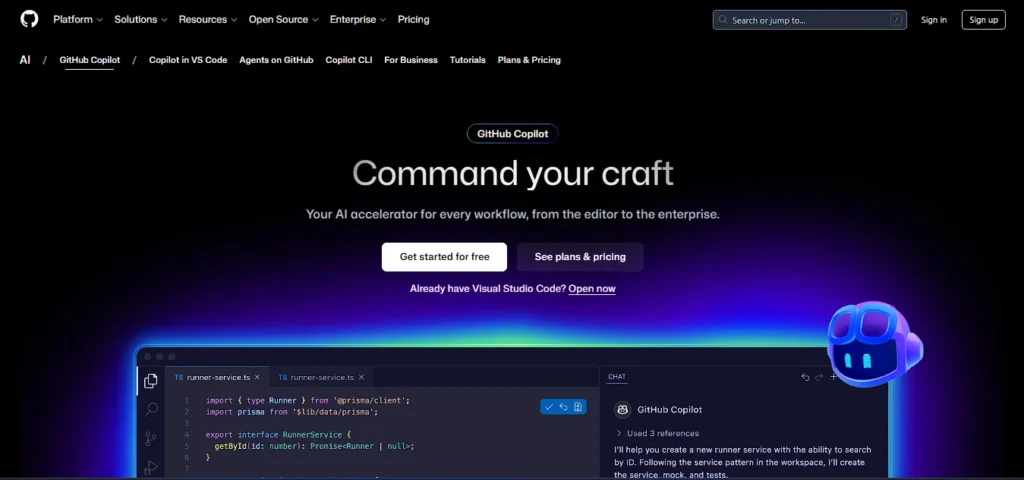
GitHub Copilot is the tool that started it all, and it remains the most widely used tool in 2026. In 2025, Copilot released additional agents that went beyond basic autocomplete to provide workspace-level functionality. The Creator Economy’s main advantage: Works in any editor—VS Code, JetBrains, Neovim—without the need to learn anything new.
Best forenterprise teams, multi-IDE users, and the GitHub ecosystem.
Price:
- Free — $0/month: 2,000 completions + 50 premium requests every month
- Pro – $10/month: unlimited completions, 300 premium requests, agent mode.
- Pro+ – $39/month: 1,500 premium requests, Claude Opus 4, and OpenAI o3 access.
- Business – $19 per user per month for team management and IP indemnity.
- Enterprise – $39/user/month: Custom models, extensive GitHub.com integration.
Pros:
- Supports many IDEs, including VS Code, JetBrains, and Neovim.
- Proven enterprise-grade security and compliance for large teams.
- Easily integrate with the GitHub ecosystem.
Cons:
- Use Behind Cursor and Cloud for complicated reasoning tasks.
- The Pro+ plan incurs a significant price increase ($39).
- Agent mode is still evolving and not as mature as rivals.
Cursor: The Developer’s Favorite

Cursor rebuilds VS Code to place AI at the heart of the editing experience. Your previous extensions, keybindings, and workflows stay unchanged, but AI integrates the entire repository and reliably applies multi-file changes. JetBrains Cursor is still the most popular AI coding tool for solo developers and small teams. Qodo Iska Agent mode is quite impressive—multi-file operations, terminal commands, and error correction—all done automatically.
Best for: Full-stack developers, quick prototyping, and VS Code enthusiasts.
Price:
- Free — $0/month: unlimited delayed requests and basic completions
- Pro – $20/month: 20 monthly compute credits, agent mode, multi-file editing.
- Pro+ – $60 per month: 3x credits.
- Ultra – $200/month: 20x use and priority access.
- Teams – $40/user/month for SSO and centralized invoicing.
Pros:
- Best developer experience, Multi-file agent mode is really powerful.
- Easy to learn with a familiar VS Code interface.
- The fastest tool for quick iteration.
Cons:
- Credit-based invoicing can result in unexpected extra charges for high usage.
- Only VS Code and no other IDEs are supported.
- Free tier is limited for serious use.
⚠️Note: Cursor moved to credit-based billing in June 2025, resulting in fewer requests for heavy users. Usage monitor cards are still present.
Windsurf
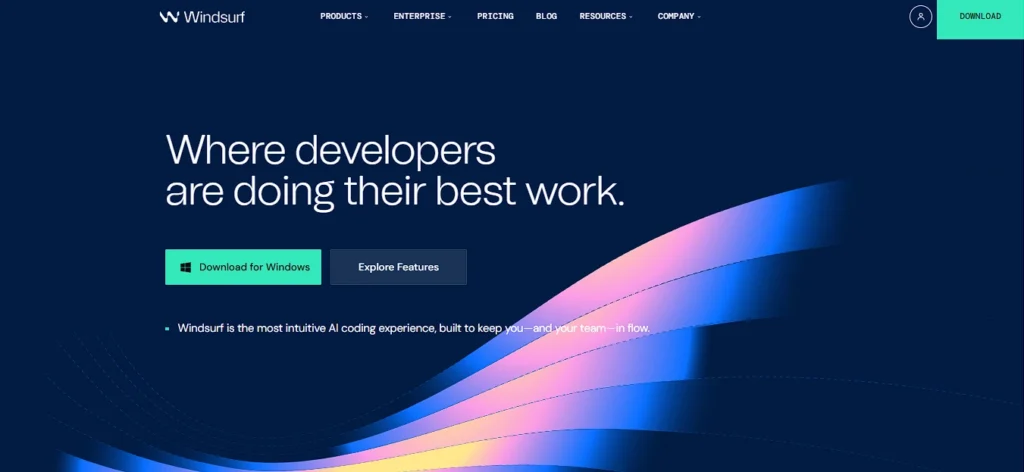
Windsurf is designed for teams who prefer autonomous coding agents and task-driven development workflows over inline completion. Its Pieces Cascade system orchestrates multi-step operations and evaluates updates automatically.
Windsurf’s strength is that it’s suitable for multi-repo projects or microservices that require continuous updates across many codebases.
Best for large codebases, autonomous job execution, and teams.
Price:
- Free—$0/month: 25 prompt credits per month.
- Pro – $15/month: 500 credits and premium model access.
- Teams — $30/user/month: Collaboration and centralized charging
- Enterprise – $60 per user/month: Zero data retention, SSO, improved security.
Pros:
- Premium features are the best value for money at $15.
- The Cascade system is ideal for autonomous workflows.
- Per-prompt charging costs remain predictable.
Cons:
- The free tier offers only 25 credits.
- Cursor has a limited developer community and resources.
- Limited support for IDEs outside VS Code.
Claude Code: King of Intelligence
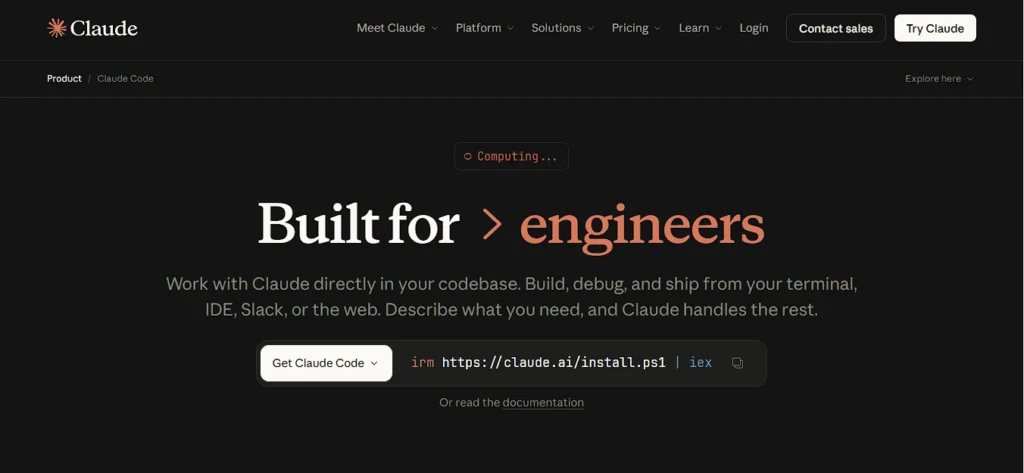
Anthropic’s Claude AI family includes Claude Code, an agentic assistant that lives in your terminal. It merges complicated codebases, completes multi-step operations, and creates features from simple English descriptions. Faros’ 200K+ token context window enables huge repository uploads, making it ideal for deep analysis, source code reviews, and system architecture optimization.
Creator Economy is ideal for complex debugging, big code bases, and architectural decisions.
Price:
- Pro — $20/month: Claude Code terminal access, 10-40 prompts per 5 hours.
- Max 5x — $100 per month: 5x usage and Opus 4 access.
- Max 20x – $200 per month: 20x usage and priority access.
- API: Sonnet $3/$15 per million tokens; Opus $5/$25 per million tokens.
Pros:
- Unrivaled 200K context window for big codebases.
- Superior reasoning capabilities for tackling complex bugs.
- Terminal-native integrates seamlessly into developer workflows.
Cons:
- Pro plan has irritating rate constraints of 10-40 prompts per 5 hours.
- Expensive for high usage: Max 20x plan costs $200 monthly.
- Non-terminal users do not need to make any GUI modifications.
Codeium – Best Free Tool
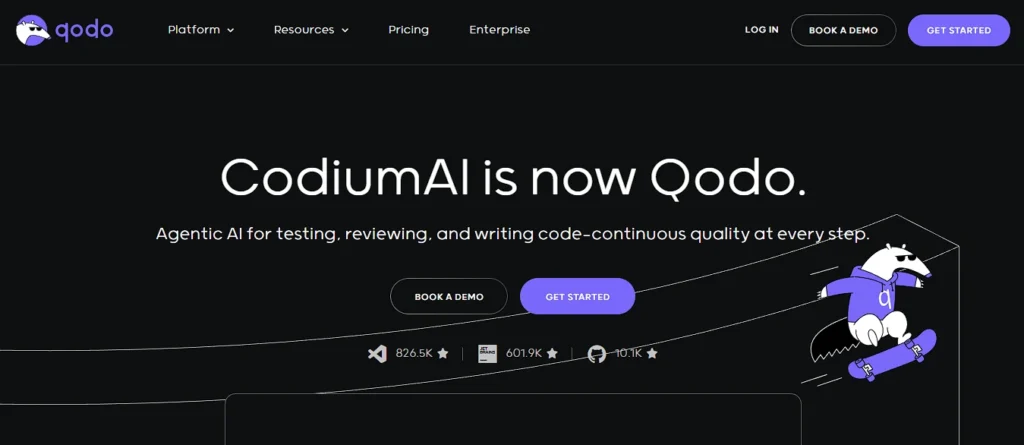
Codeium remains the best free option even in 2026. Unlimited autocomplete, support for over 40 IDEs, and an offline mode suitable for air-gapped setups. Definitely the greatest choice for students and budget developers.
Best for: Students, newbies, and budget-conscious developers.
Price:
- Individual — Free: unlimited autocomplete and chat, 40+ IDEs, no expiry.
- Teams/Enterprise: Paid plans: check the latest pricing on codeium.com.
Pros:
- Autocomplete is completely free and never expires.
- 40+ IDEs provide extensive coverage.
- Offline mode is available for air-gapped situations.
Cons:
- Agent capabilities are limited compared to Cursor/Windsurf.
- Premium models are limited in free.
- Unsuitable for sophisticated multi-file tasks.
Amazon Q Developer: The Secret Weapon of AWS
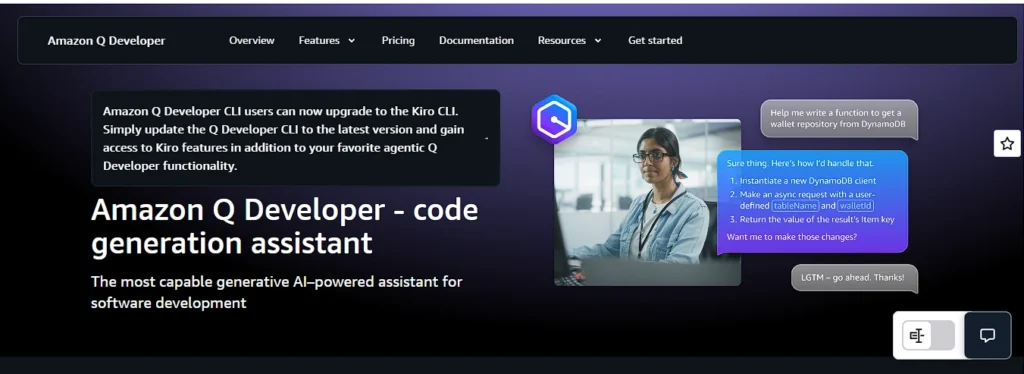
Amazon Q Developer is an updated version of AWS CodeWhisperer that now includes autonomous agents, conversational AI for AWS resources, and console error diagnostics.
It is seamlessly connected with the AWS Console and CLI. You can ask explicitly “List my Lambda functions” or “What is the monthly cost of an S3 bucket?” and it will generate the appropriate commands or queries.
Best for: AWS developers, cloud teams, and DevOps engineers.
Price:
- The free tier offers code suggestions, CLI completions, and some advanced capabilities.
- Pro – $19 per user/month: Enterprise controls, codebase modification, and IP indemnification.
Pros:
- Smooth interaction with AWS Console and CLI.
- A generous free tier suitable for most AWS developers.
- Autonomous transformation agents are quite astounding.
Cons:
- Limited value for use scenarios outside of AWS.
- This is overkill for non-AWS developers.
- Beginners may find the pricing structure bewildering.
Tabnine: A Privacy-First Choice
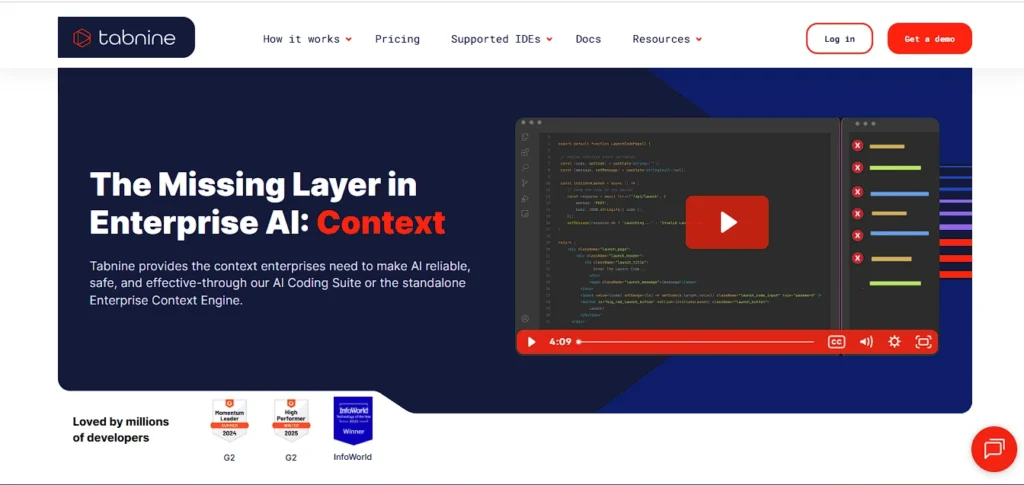
Tabnine provides on-premises deployment, which is particularly important for regulated areas where firms do not transmit their code to cloud LLMs.
Best for privacy-sensitive businesses such as banking, healthcare, and government.
Price:
- Dev – $9 per user/month: full completions, AI chat, 14-day trial.
- Enterprise – $39 per user/month: On-premise deployment, custom model training, air-gapped support.
Pros:
- On-premise implementation is the best privacy solution in the market.
- Air-gapped environments are ideal for regulated businesses.
- Custom model training is possible using its own codebase.
Cons:
- The free tier will be completely withdrawn in 2025.
- Agent capabilities are the weakest on this list.
- The $39/month enterprise package is prohibitively expensive for small teams.
⚠️ Please note that Tabnine’s free tier will no longer be available after 2025. It is now only available on premium plans with a limited trial period.
Cline: Open-Source Agent That Follows Your Rules

Cline is ideal for open-source contributors and developers that seek full control over a model-agnostic BYOK architecture. Pharos validates every operation, including file changes, terminal commands, and browser actions.
Best for: Open-source enthusiasts, privacy-conscious developers, and advanced users.
Pricing:
- Free ($0): completely open-source, no subscription
- Cost: Only your API usage—rates based on the model you select.
Pros:
- Free and open-source, with no subscriptions.
- Any model offers unlimited versatility.
- Confirmation before each action ensures transparency and control.
Cons:
- Non-developers may face technical difficulties during setup.
- API charges might be pricey with high usage. It’s possible.
- Community support is not official.
Key Features That Really Matter
In 2026, developers will be asking questions like net productivity, cost-effectiveness, and trust, rather than just “which tool is smart?”
Context Window Size: How much code can be understood simultaneously? Cloud Code’s 200K window is industry leading.
Agentic Capabilities: Do more than just make suggestions; execute them yourself. Cursor, Windsurf, Cloud Code, and Cline have the most powerful agent modes.
IDE Integration: Copilot and Codium provide the most extensive coverage—40+ editors.
Privacy and security: Teams are increasingly selecting where code goes, how it is handled, and if data is retained. These are the top evaluation criteria for 2026.
Cost Predictability: Credit-based billing (Cursor) can come with unexpected consequences. Windsurf’s prompt-based model is more predictable.
Comparison Table
| Tool | Best For | Starting Price | Agent Mode | Privacy Option |
|---|---|---|---|---|
| GitHub Copilot | Enterprise / Multi-IDE | $10/month | Yes | Enterprise plan |
| Cursor | Rapid dev / Full-stack | $20/month | Yes (strong) | Limited |
| Windsurf | Autonomous workflows | $15/month | Yes (Cascade) | Enterprise ZDR |
| Claude Code | Complex reasoning | $20/month | Yes | — |
| Codeium | Free / Budget | Free | Limited | Self-hosted |
| Amazon Q Dev | AWS developers | Free / $19/month | Yes | Enterprise |
| Tabnine | Privacy / On-premise | $9/month | Limited | On-premise |
| Cline | Open-source control | Free + API | Yes (full) | Full control |
Is it worth it? My Honest Opinion
Yes, but only if you apply it correctly.
For developers who really use the tools to launch agents, offer codebase context, and delegate multi-step activities, the productivity boost is substantial. Those who just use tab on occasion, however, will get the minimal benefits.
My simple recommendation: Start with Codium for free, assess your actual process, and then select which paid subscription provides the best ROI.
Common Misconceptions.
- “AI coding tools are for beginners, not seniors.” To the contrary. Senior developers benefit the most from automation, allowing them to focus on complicated architecture.
- “Free tools do not work.” Codium is free and infinite. Cline is free. Amazon Q’s free tier is quite beneficial.
- “One tool is sufficient.” Professional developers typically use 2-3 technologies simultaneously, including an IDE, complicated reasoning, and research.
- The AI will write my code, so I won’t need to do anything. AI-generated code can also cause hallucinations, according to MIT CSAIL researchers. Code that appears reasonable does not necessarily perform as intended. Solutions Review is always necessary.
Frequently Asked Questions (FAQs)
Which AI tool is best for coders?
Cursor is the best overall AI tool for coders in 2026 — powerful agent mode, familiar VS Code interface, and rapid iteration. On a budget? Codeium is the best free option. For enterprise teams, GitHub Copilot Enterprise is the most trusted choice.
Which are the top 5 AI tools for coding?
1. Cursor — Best overall experience
2. GitHub Copilot — Most widely adopted
3. Claude Code — Best for complex reasoning
4. Windsurf — Best value for money
5. Codeium — Best free tool
Which AI tool can generate code?
All major tools generate code — but Cursor, GitHub Copilot, Claude Code, and Windsurf do it best. Simply describe what you need in plain English and they generate production-ready code instantly.
Is AI a good tool for coding?
Yes, but review every output. AI tools save developers 3 to 8 hours weekly on repetitive tasks. They are not a replacement for fundamentals — think of them as a smart junior developer. Fast and helpful, but always needs supervision.
Conclusion
I seriously tried all of these best AI tools for coding in 2026, and one thing is clear: there is no “perfect” tool. The appropriate tool is one that truly fits your job, budget, and workflow.
One thing is clear: these AI coding tools will not replace you; but, a developer who understands how to use the best AI coding tools and you do not can easily replace you.
So, don’t worry. Download a free AI coding tool today, test it on a real-world project, and decide for yourself which AI coding tool is best for you.
Which AI coding tool have you found most useful? Or do you use a tool that is not on this list? Please let us know in the comments section below. I personally read and respond to all comments!
Disclaimer
The information in this article is intended solely for educational and informational purposes. The pricing, features, and plans for all AI products described here are based on officially published sources, however these information are subject to change without notice. Therefore, make sure to visit the official tool website before making any final judgments.
Any tool recommendations in this post are not intended to substitute expert IT consultation. You are completely responsible for selecting the appropriate tool for your particular project, team, or business.
If you have any questions or issues with any tool, please contact the official support staff directly.
Also Read:
- I Tested Google Flow AI for 7 Days | Here’s My Honest Review 2026
- How To Use Google Whisk AI: Transform Your Ideas into Stunning Visuals in Seconds
- Why Skywork AI Is Worth It: Complete Guide with Pricing, Tutorial & Comparison
- Sam Altman Net Worth 2026: Age, Education & Best AI Coding Advice
- Can the “Indus” APP Really Replace ChatGPT for Indians? My Honest Experience with Sarvam AI
- 6 Best Free AI Tool for Stock Market That Actually Work in 2026